

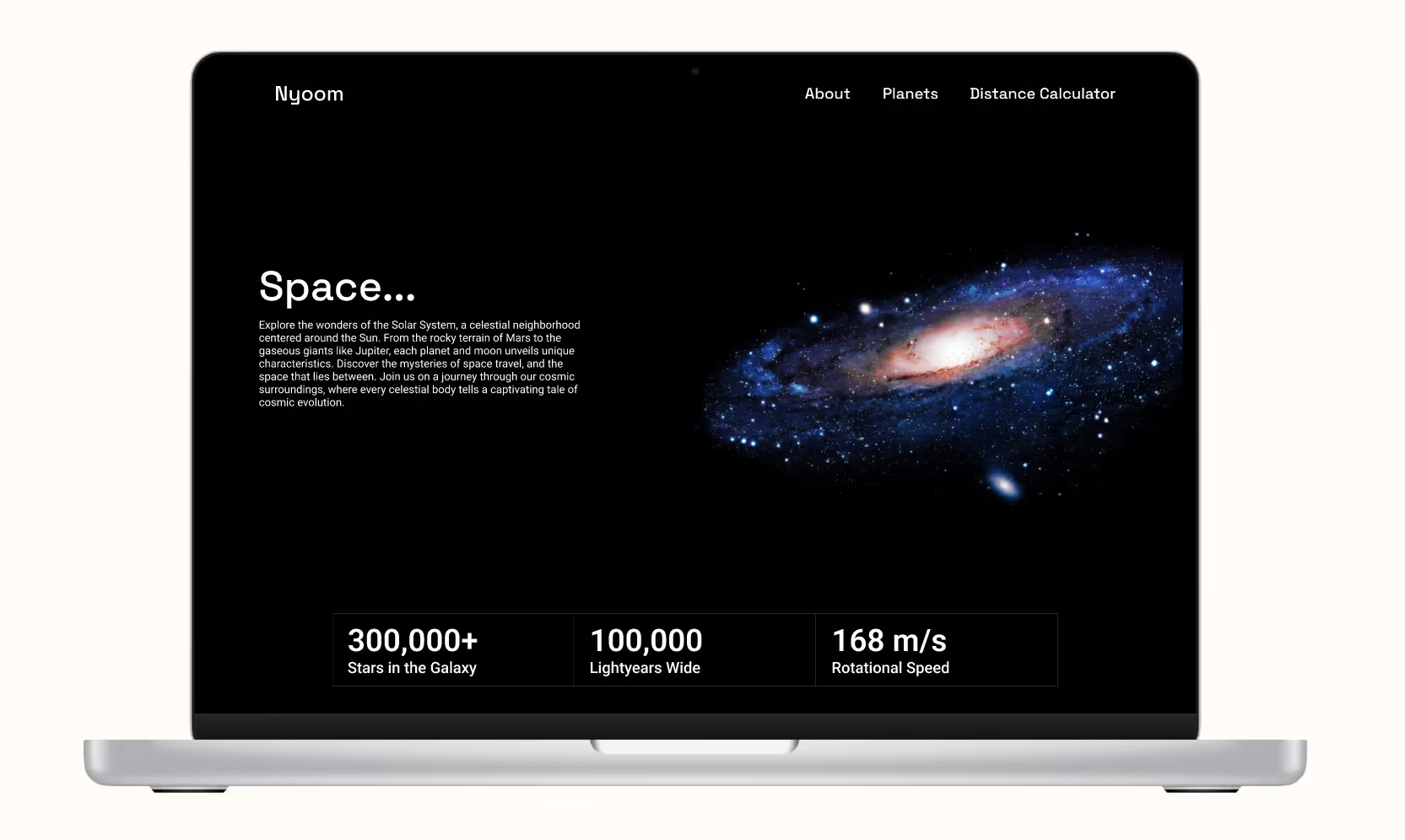
Nyoom was created for an Advanced Prototyping class. Its flight service webpage was made as a way to showcase my visual design skills and prototyping knowledge. For this project, I followed basic principles from Atomic Design methodology to build and implement different elements of UI design into one final product.
UI Designer
5 Weeks
Figma
Nyoom was completed as a final project for a prototyping class. Therefore, it was focused solely around user interface and visual design skills. There was a brief research phase that went into gathering references for the problem space, but otherwise it was made to showcase my skills as a visual designer.
Nyoom’s webpage is an informational service page that provides its customers with the knowledge about its problem space and its services before asking users to apply. As a new service, I wanted to play around with the idea of informing potential users about what they were getting into, as this new company would be forced to advertise to gain credibility.
As a prototyping project, Nyoom was designed to showcase a few specific skills within Figma, using various features to create an interesting and interactive product that users might find both enjoyable and informative. To accomplish this, I kept the following goals in mind:
The class in which this project was done for had several mini-projects that built up to our final. This allowed us time to study and practice the advanced tools within Figma and become familiar with them through several Lab projects. The final project itself was built by using a loose model of Atomic Design by Brad Frost, where smaller elements are combined together to form cohesive and interactive elements to be featured in the final design.
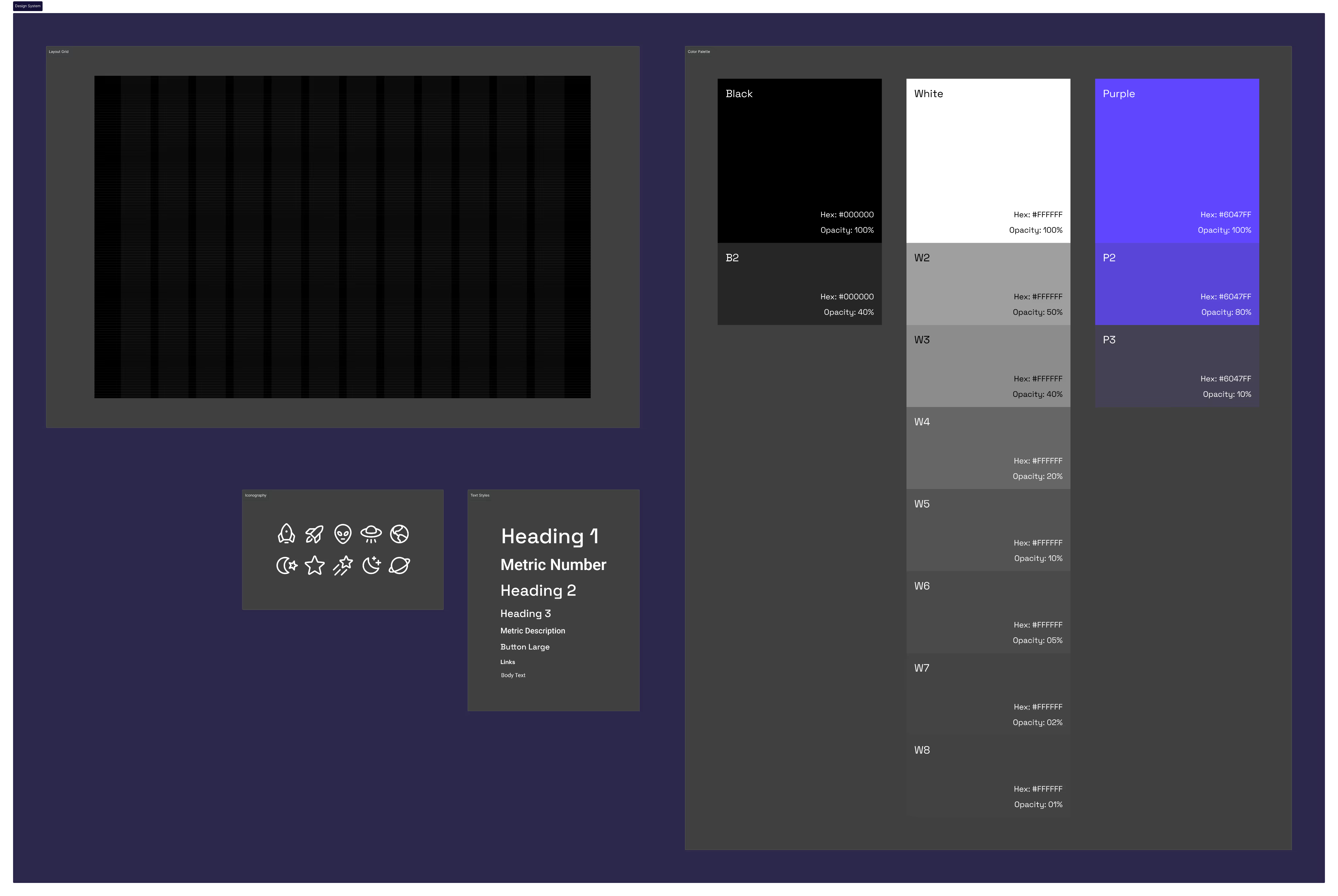
Because of the short time period I had to work on this project, I began by creating a small design system that I would work by, to help decrease the amount of time I spent making decisions. This included a layout grid to organize my content, typography styles for consistent hierarchy, a cohesive color palette, and a set iconography set created by Phosphor.
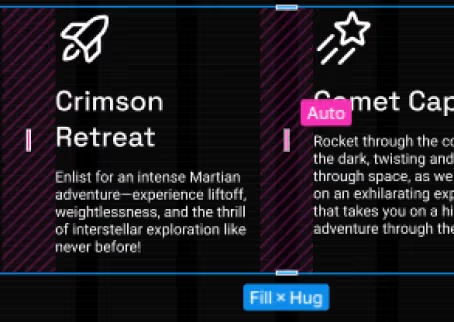
As I built different UI elements and complex components, I made sure to work with Auto Layout. This helped increase the speed of my workflow and keep everything more consistent. The design was created and kept on an 8-point grid system, which made elements like vertical and horizontal spacing with Auto Layout much simpler.
To accomplish the more complex interactions like the distance calculator, I used the new variable system to set expressions that would perform the calculations needed. These then set variables to display interchangeable information based on what the user input would be, to further simulate how a final product would look and feel.

Nyoom was created for an Advanced Prototyping class. As a prototype, I wanted it to display use cases for several advanced features and tools found within Figma's software. As a quick product idea, I wanted to design a landing page for a small startup company that would be advertising their space in the market, as well as advertise their services.
Nyoom: Flight Services is a new company that has come about in the age of space travel. With the beginnings of their business model, they aim to inform people about the vast expanse of the solar system and galaxy that we reside in, either from their website, or by taking flight in one of their In-Flight activities that they offer as a service, taking you beyond the skies, and into the final frontier.
Final PrototypeThis project helped me to quicken the speed at which I iterate and design. While I understand that research and testing is important, having speed and prototyping efficiency can further boost one's effectiveness on a design team. By working with features such as auto layout, styles, variables, and component properties; changing designs with new iterations becomes much faster and easier.
It was also one of few times that I have attempted to work with coding logic. So the experience with expressions and variables proved very valuable in learning and understanding more about back end code, and what might be useful for a developer to know and understand during product hand off.


